In CS-Cart a tag is a label a shopper filters a list by. This add-on turns tags into sections of the store: every tag gets a page of its own with its own address, title, description and meta data. The store gains dozens of landing pages for themes the category tree does not have: "Full HD", "Gifts under $50", "Camping", "Left-handed tools".
What the store gets
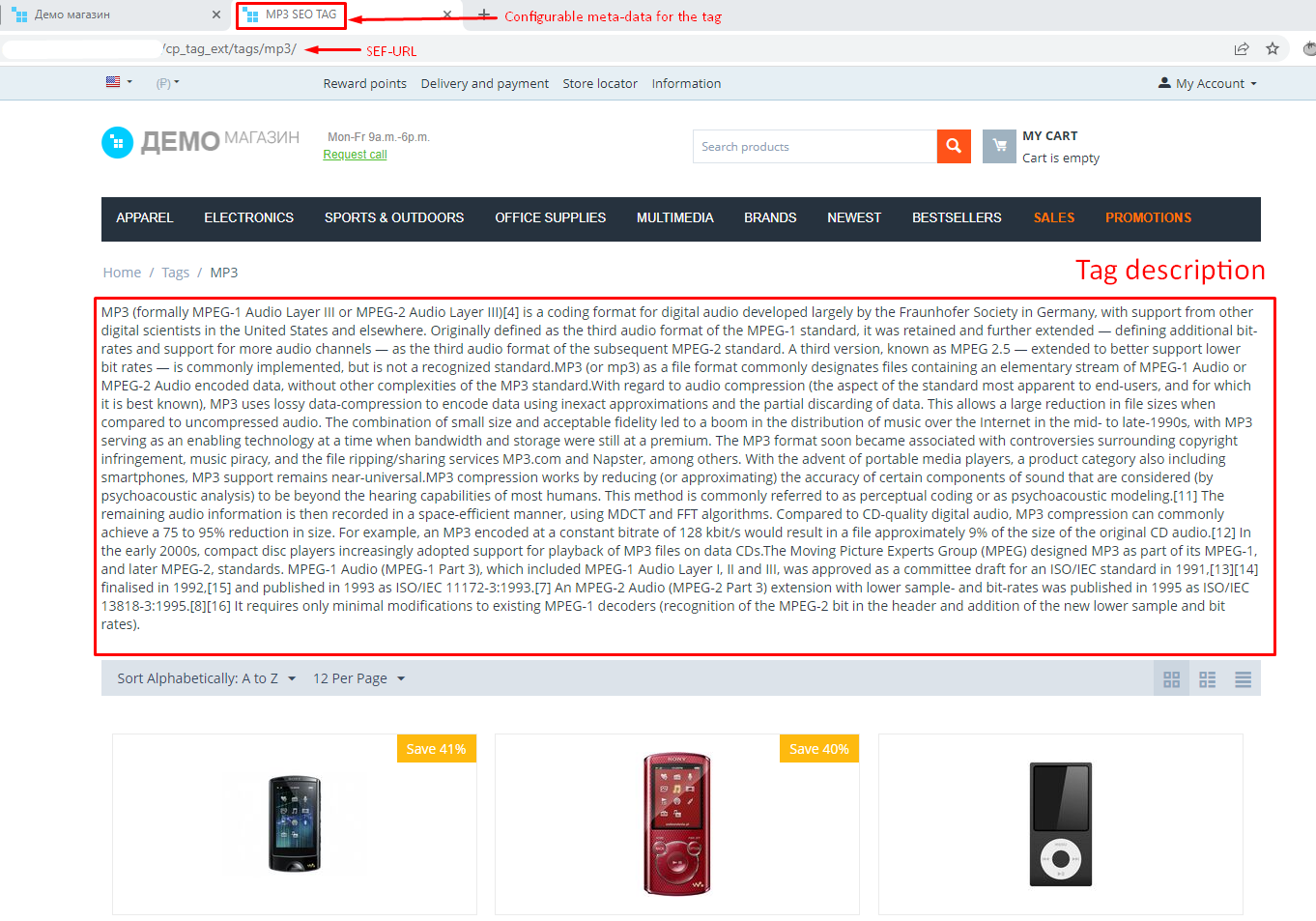
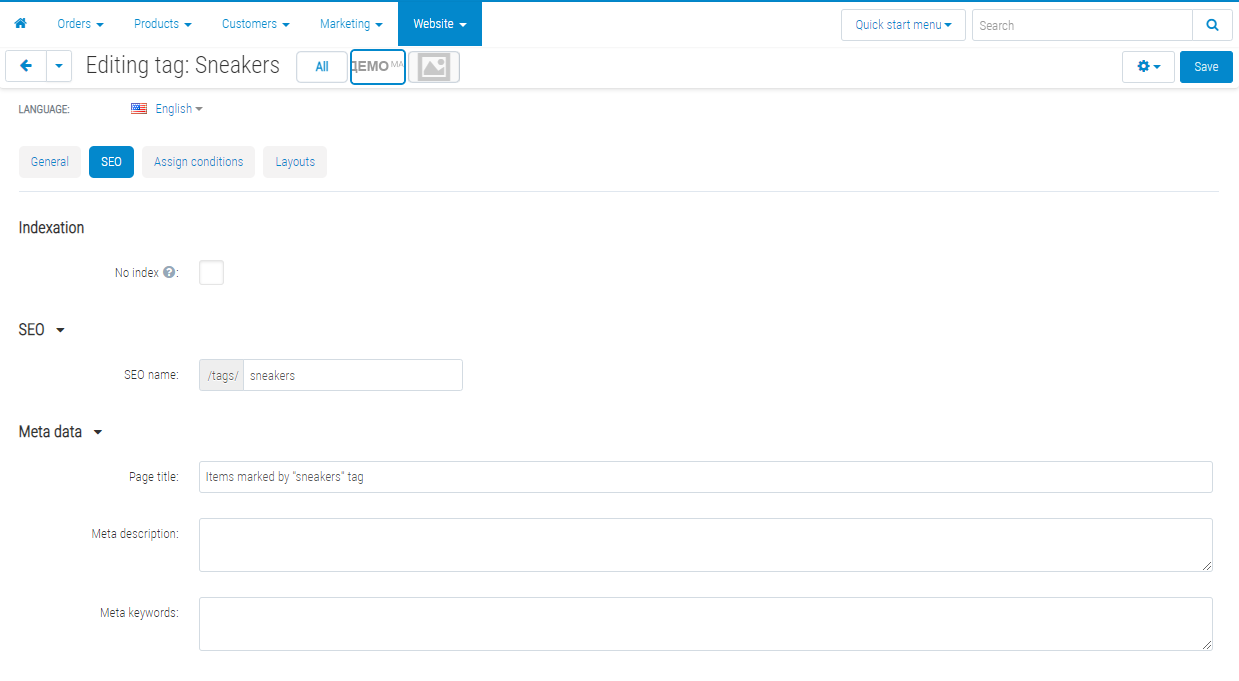
- Landing pages for thematic queries. A tag page is indexable: its own URL, title, description and meta data.
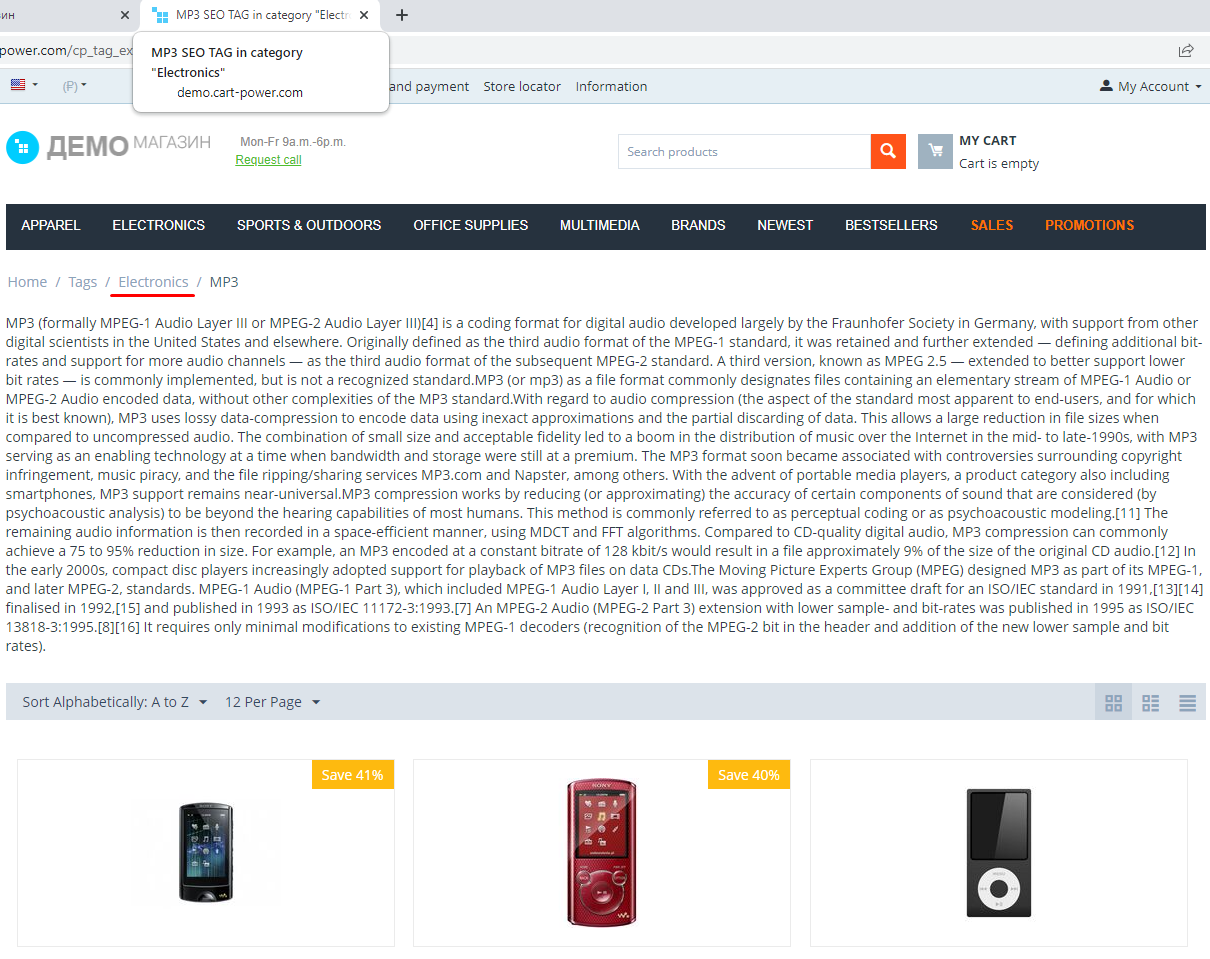
- Navigation across the catalogue. One tag gathers products from different categories — and, next to them, pages and blog posts.
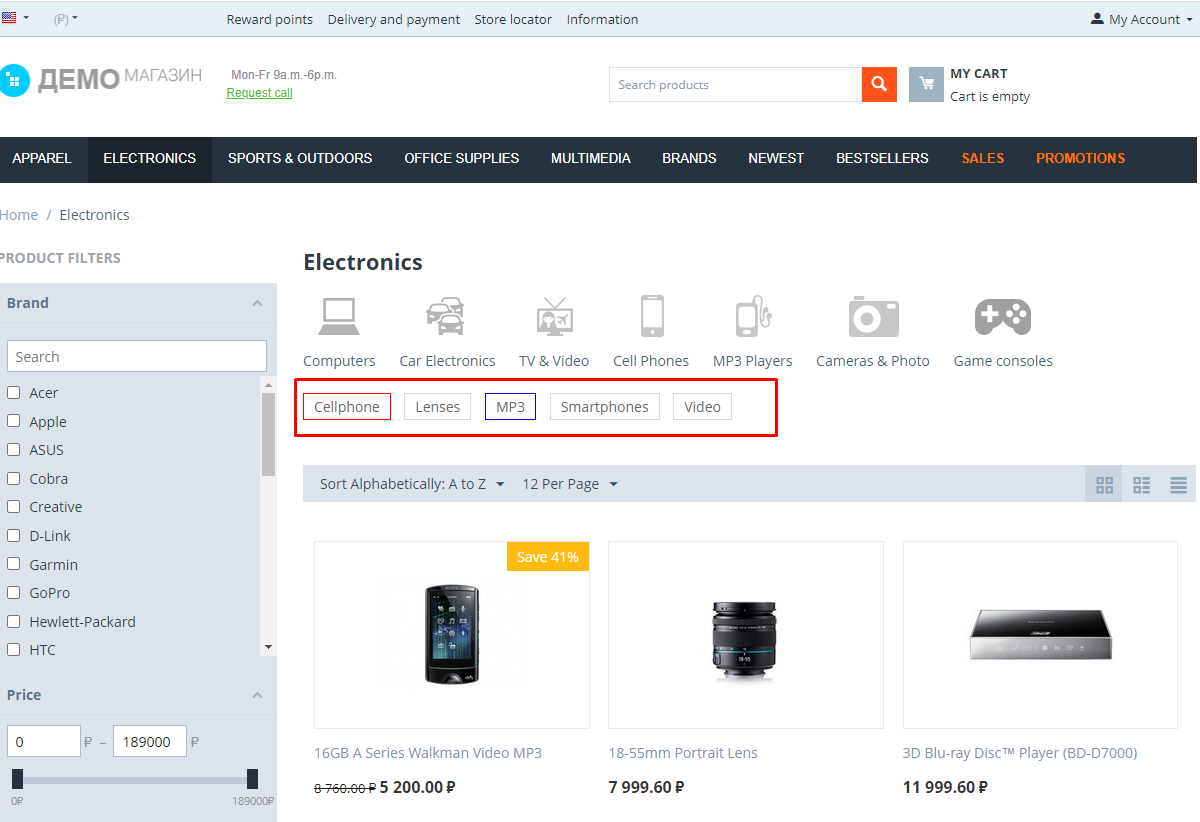
- Internal linking. Tag clouds on categories, in product cards and in the blog connect products with articles and information pages.
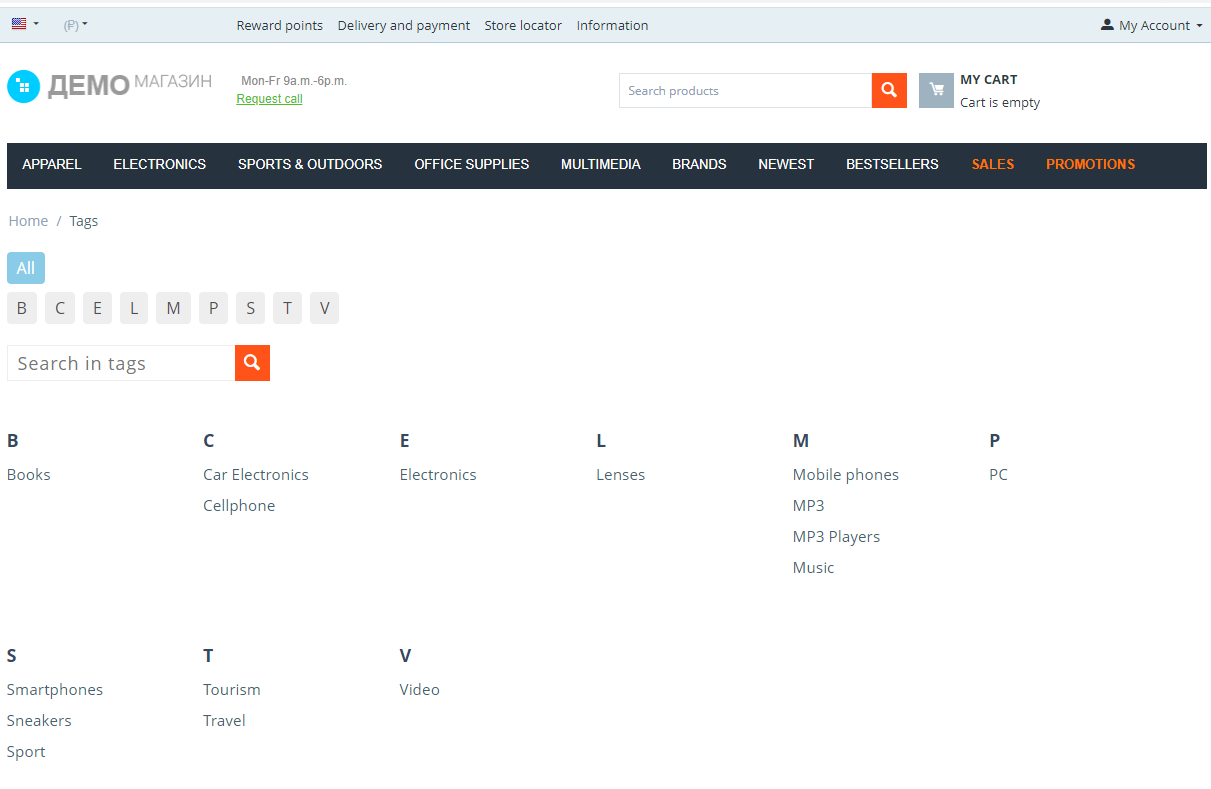
- Order in the tags. A list of every tag, an alphabet index for two alphabets, search with suggestions.
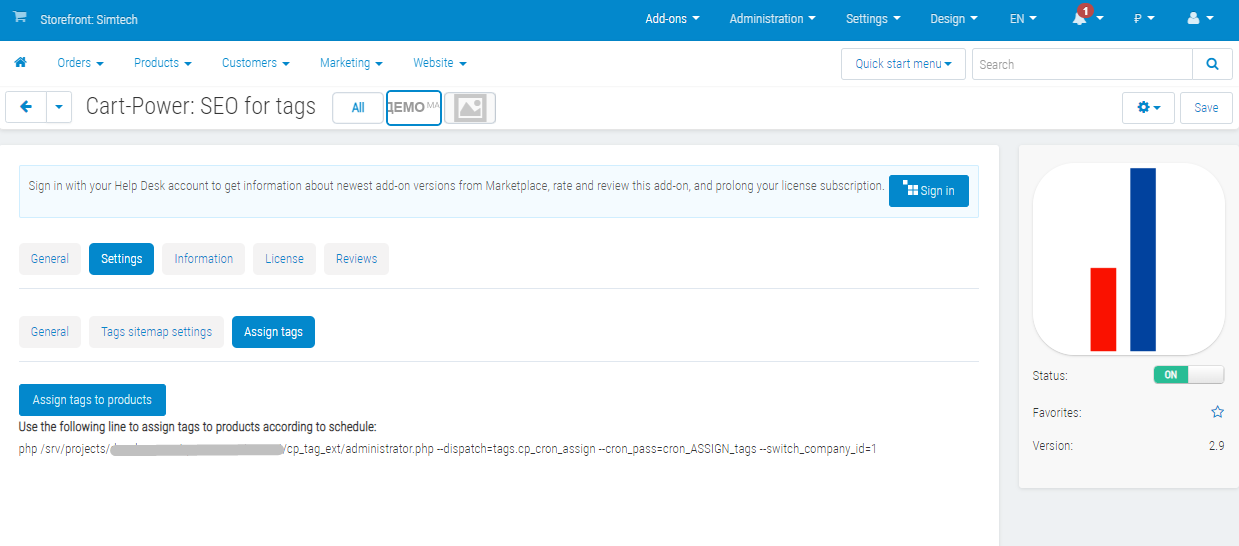
- Saved time. Tags are assigned in bulk — by rules, by import, or on a schedule after an exchange with an ERP.
How it looks
![]() A tag page: title, description and the list of objects. | ![]() Products, pages and blog posts — with a type switcher. |
![]() The tag list: two alphabets, search, grouping by letter. | ![]() A tag cloud above the product list of a category. |
![]() Product tags sit above the name and lead to their own pages. |
How it works
- Create a tag and describe it: name, description, page address, meta data.
- Assign the tag to products, pages and blog posts — by hand or by rules in the tag card.
- Show the tags to the shopper: clouds on categories, a block in the layout editor, the tag list in the menu.
What the store owner sees
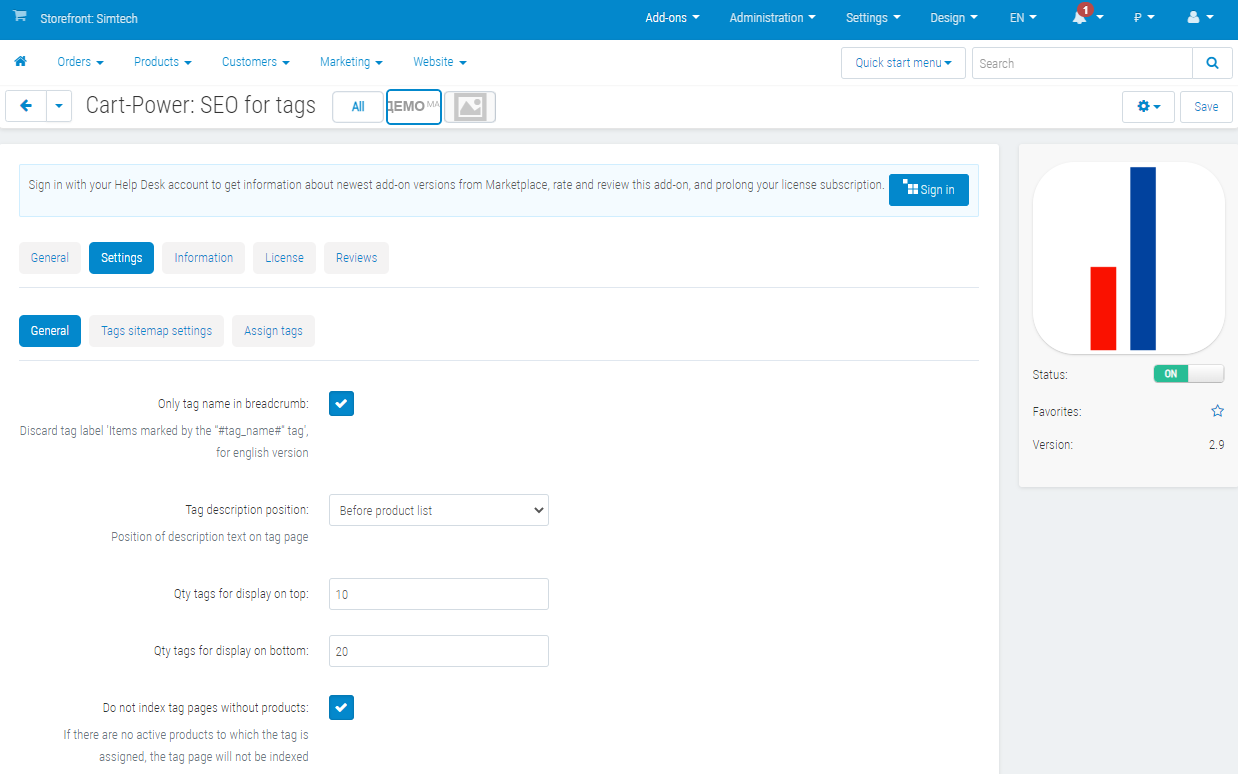
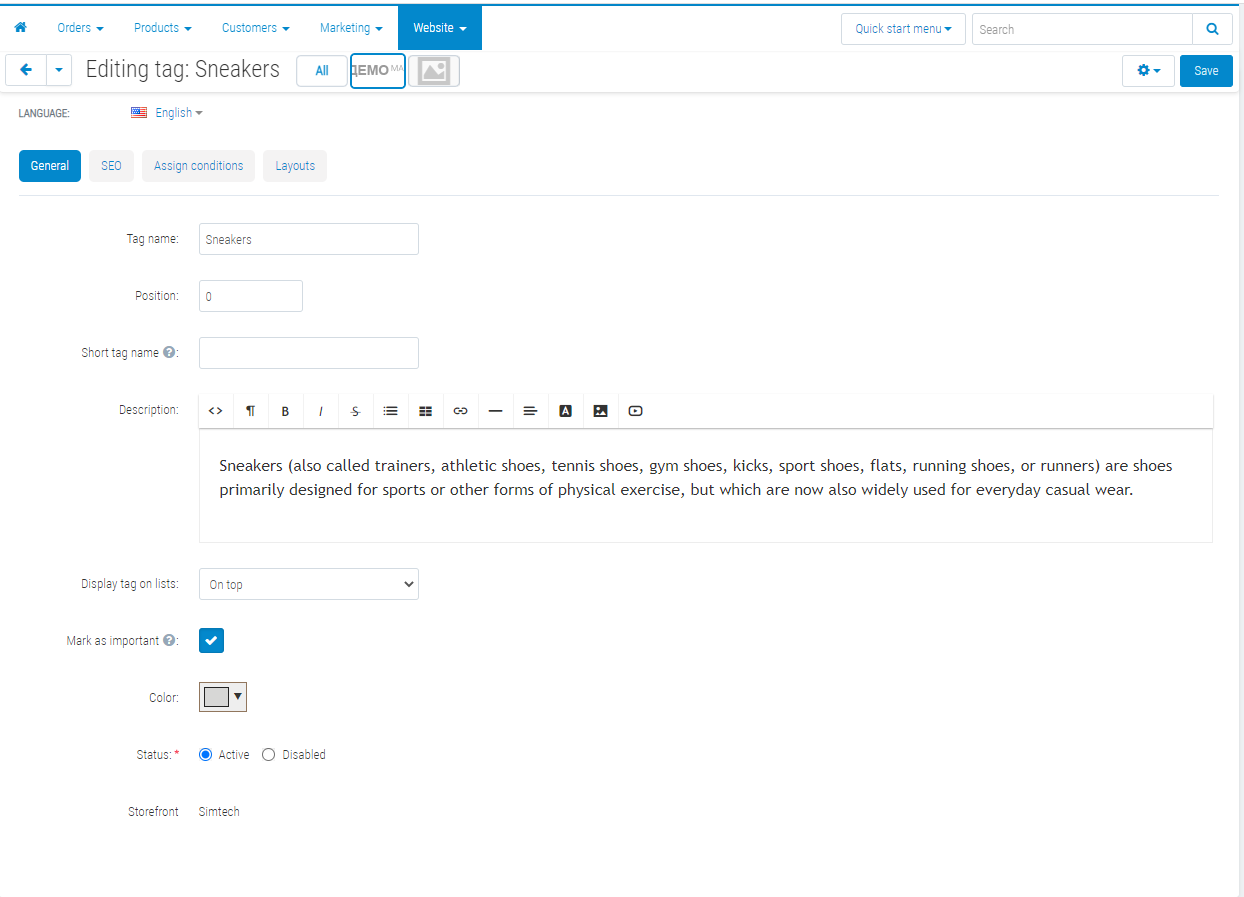
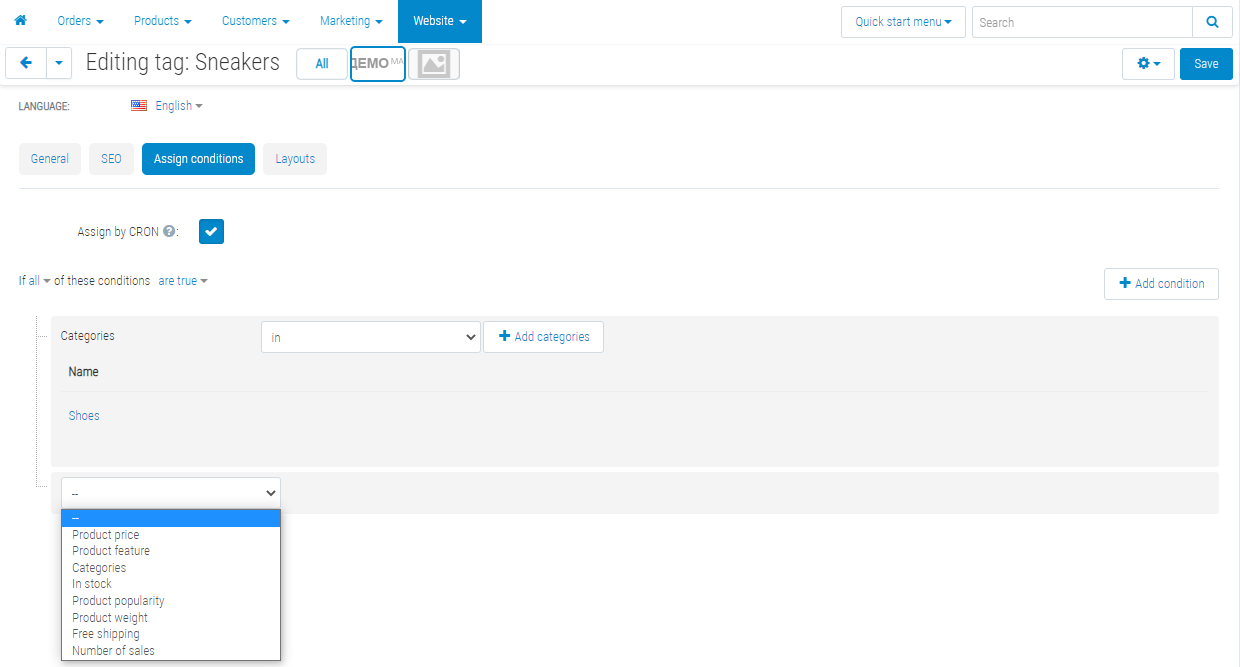
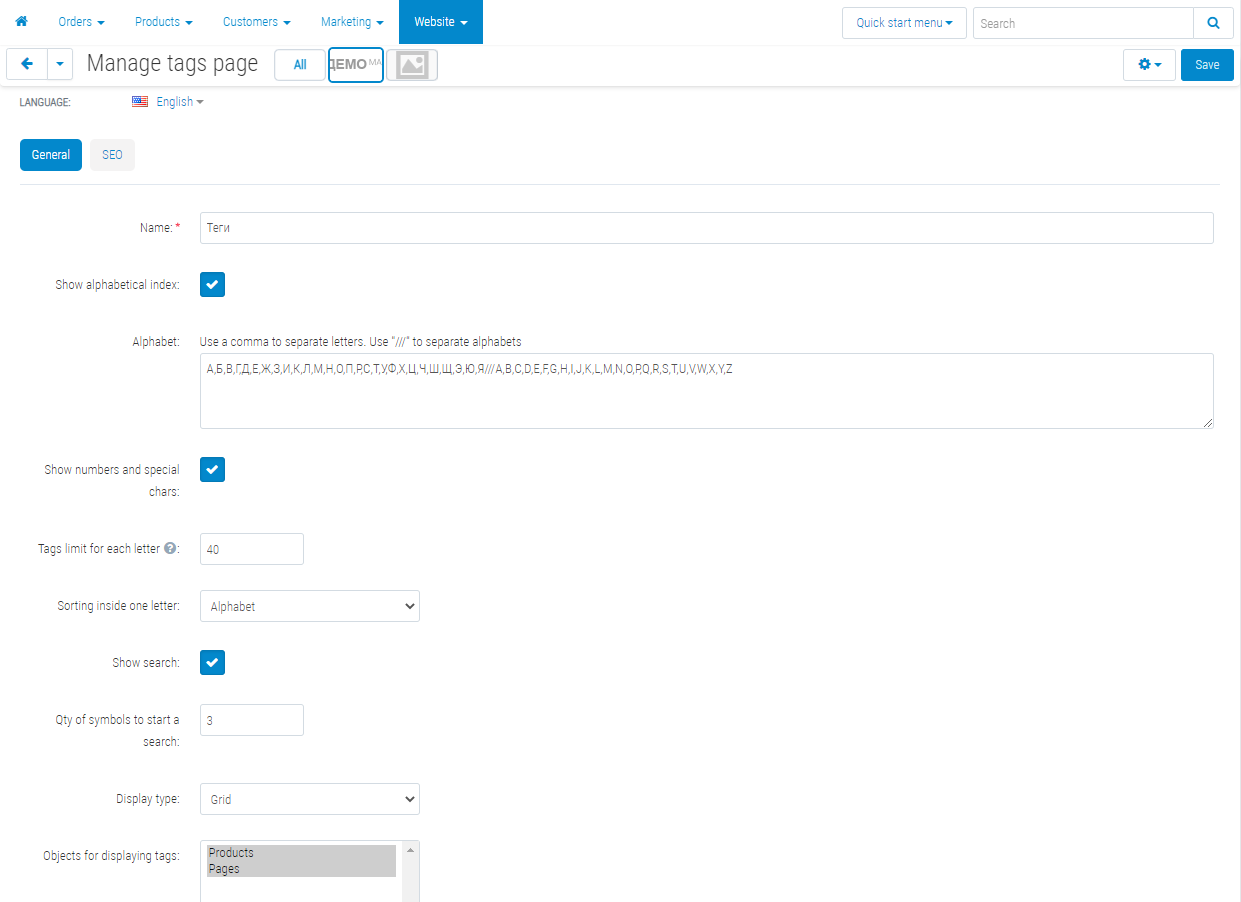
![]() The owner decides where tags work: products, pages, blog posts. | ![]() A tag has its own card: description, colour, SEO, assignment rules. |
![]() The order of sections is set by dragging. | ![]() You see how many products, pages and posts each tag has collected. |
New in version 2.14
- Blog posts became a section of their own on the tag page; the order of sections is set by dragging.
- A type switcher appeared: the shopper sees only products, only pages or only articles — and can always come back to everything at once.
- The alphabet index filters the list without reloading the page; letters with no tags behind them are shown inactive.
- Tag clouds on a category are built by one cached query instead of two passes over the catalogue — on a large store the difference is visible in the load.
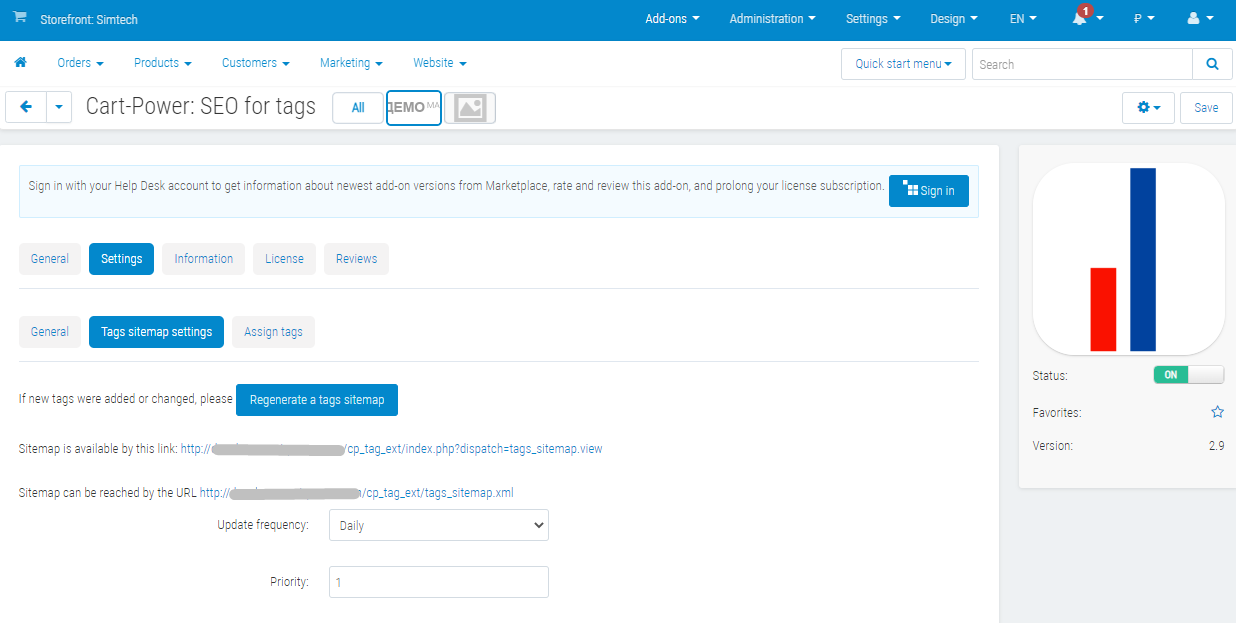
- The tags sitemap gives one canonical address per page and passes language versions through hreflang.
- A "License Key" field appeared: without it the store never received add-on updates.
Support
Support for the add-on is provided by the developer. Questions about installation, settings and compatibility — through a private message to the developer on the marketplace.
- Store Builder
- Store Builder Plus
- Store Builder Ultimate
- Multi-Vendor
- Multi-Vendor Plus
- Multi-Vendor Ultimate
- 4.20.1
- 4.19.1.SP2
- 4.19.1.SP1
- 4.19.1
- 4.18.4
- 4.18.3
- 4.18.2.SP1
- 4.18.2
- 4.18.1.SP1
- 4.18.1
- 4.17.2.SP3
- 4.17.2.SP2
- 4.17.2.SP1
- 4.17.2
- 4.17.1
- 4.16.2
- 4.16.1
- 4.15.2
- 4.15.1.SP4
- 4.15.1.SP3
- 4.15.1.SP2
- 4.15.1.SP1
- 4.15.1
- 4.14.3.SP1
- 4.14.3
- 4.14.2.SP1
- 4.14.2
- 4.14.1.SP1
- 4.14.1
- 4.13.3
- 4.13.2.SP2
- 4.13.2.SP1
- 4.13.2
- 4.13.1
- 4.12.2
- 4.12.1
- 4.11.5
- 4.11.4
- 4.11.3
- 4.11.2
- 4.11.1
- 4.10.4.SP1
- 4.10.4
- 4.10.3
- 4.10.2
- 4.10.1
- 4.9.3
- 4.9.2
- 4.9.1
- 4.8.2
- 4.7.4
- 4.6.3
- 4.5.2
- 4.4.3
- 4.3.10
- English
- Български
- Dansk
- Deutsch
- Ελληνικά
- Español
- Français
- Italiano
- Nederlands
- Norsk
- Polska
- Română
- Русский
- Slovenščina
- 中文
|
CS-Cart development · in-house team · since 2013 We build, upgrade and speed up CS-Cart stores and marketplacesAnalysts, developers, designers, QA and support under one roof — no subcontractors. We ship add-ons you can buy on this page today, and we take on the work that no ready-made add-on covers. |
|
2013 Working with |
4.98 Rating from |
197 Solutions on this |
500+ E-commerce projects |
Flagship products
Two add-ons that change how a store performs
Everything else we publish improves one screen. These two change the numbers: how customers find products, and how often they come back.
|
Add-on · Search & merchandising Smart SearchElasticsearch-powered search for large catalogues. The customer types two letters, sees products with images and prices, and buys from the dropdown — even after a typo or with the wrong keyboard layout. Visitors who use the search bar are 24% of traffic and 44% of revenue, and convert about 2.5× better than people who only browse categories. If search returns nothing, up to 80% of them leave. | ||||||||
| ||||||||
Try it on a live catalogue: open the demo store and search with a deliberate typo. |
|
Add-on · Mobile commerce PowerApp — mobile app for your storeA native iOS and Android app running on your CS-Cart data: the same products, prices, stock, promotions, reward points and orders. There is no second catalogue to maintain — everything stays in the admin panel you already use. A mobile site brings a customer in once; an app brings them back for free. Push notifications replace the retargeting budget you spend to buy the same customer a second time. | ||||||||
| ||||||||
Screens, block types and pricing tiers: see how the app is built. |
Services
When no add-on solves it, we do the work
Fixed scope, written specification, a named project manager and a warranty on what we ship.
|
Custom CS-Cart development Functionality the platform does not have: add-ons, marketplace mechanics, integrations with 1C, CRM, ERP, payment and delivery providers. We start from a written specification, not from an estimate on a phone call. Details → |
|
CS-Cart upgrade Move to the current version without losing data, custom code or add-ons. We audit every modification first, upgrade on a staging copy, adapt what breaks and switch over with little or no downtime. Details → |
|
Speed and performance optimisation Conversion falls by about 4.4% for every extra second of load time. We profile the server, the database and the front-end, then fix what actually costs the seconds — and show you the before-and-after numbers. Details → |
|
Design for CS-Cart Mobile-first storefront design built on CS-Cart's own template structure, so the layout survives the next platform upgrade instead of becoming a migration problem. Details → |
|
SEO for CS-Cart A technical audit of indexing, duplicates, redirects, structured data and Core Web Vitals — delivered as a prioritised fix list your developers can act on, or that we implement ourselves. Details → |
How we work
What you get besides the code
|
Before we start We discuss the goal, offer options and write the specification. You approve scope and price before development begins. |
While we build A named project manager reports progress on a fixed schedule. You always know what is in work and what is next. |
|
Before release A separate QA pass on every release — the developer who wrote the code is not the person who signs it off. |
After handover Documentation for everything we ship, plus a warranty on the modifications and the project. |
Tell us what the store needs to doDescribe the task in a couple of sentences and we will come back with options, a scope and a price. The consultation is free, and we will say plainly if a ready-made add-on already solves it.
|
Client cases, our full add-on catalogue and 184 customer reviews are in the tabs above.
Similar products
- Makes your store faster.
- Improves the SEO ranking of the site.
- Increases conversion.
Optimize and convert to WebP all the images on the site